

Testing and Guarding Agentforce Agents
The tools Salesforce offers for testing, monitoring and governing Agentforce agents in 2026, with their status, and a practical testing approach.

An AI agent that answers customers or updates records needs the same discipline as any other production change, and some extra care, because its behaviour is not fully deterministic. Salesforce has added a lot of testing, monitoring and governance tooling to Agentforce during 2026. Some of it is generally available, and some is beta or pilot. This article sets out what exists, what status each tool has, and how we would structure testing and guardrails for a new agent.
Where agents are built now
Agents are built, tested and monitored in the new Agentforce Builder, which runs inside the Agentforce Studio app in the App Launcher. Users need the Manage AI Agents permission. From the week of 13 July 2026, new agents can only be created in the new builder. Legacy agents keep running and stay editable, so you don't have to rebuild working agents on a deadline.
The new builder uses Agent Script, which mixes deterministic logic with LLM reasoning. Salesforce calls this "hybrid reasoning". Winter '27 adds else if, system variables and escalate to Agent Script. This matters for guardrails: steps that must always happen the same way, such as identity checks, eligibility rules or handing off to a human, can be written as deterministic logic rather than left to the model.
Testing tools and their status
Agent testing and monitoring tools
| Tool | What it is for | Status |
|---|---|---|
| Agentforce Builder testing | Build, test and refine agents in one workspace | Spring '26 headline; the only place to create new agents since July 2026 |
| Agent Optimizer in Agentforce Builder | Improving agent performance | GA announced for October 2026 |
| Custom Scorers | Custom scoring when evaluating agents | API GA; UI Beta |
| Voice and Conversation Testing | Testing voice and multi-turn conversations | Beta |
| A/B Experimentation for agents | Comparing agent variants | Beta from October 2026 |
| Prompt Builder batch prompt testing and conditional expressions | Testing prompts at scale | Beta |
| Agent Health Monitoring | Watching live agent health | GA |
| Voice Observability | Monitoring voice agents | GA |
| Observability Center (Salesforce Guardian) | Platform observability | Beta |
| Flow Test Mode with mock outputs | Testing flows that agents call as actions | Beta |
Beta and pilot tools are useful, but don't make them the only gate before production. Pair them with tests you control.
Guardrails that already exist
The Einstein Trust Layer (Help and the developer docs still use this name; some newsroom copy says "Agentforce Trust Layer") provides grounding in CRM data, data masking, toxicity detection, an audit trail with feedback, and zero data retention agreements with LLM providers. On top of that:
- Permissions and sharing. Agents act within the access you give them. A dedicated agent user with least privilege is the most important guardrail you control. Flow's new User Context run mode in Winter '27 can help actions respect the running user's access.
- Deterministic steps in Agent Script. Use them for rules that must not vary.
- Escalation. Agent Script's
escalategives a clear route to a human. - Security Center MCP Risk Scores (GA in Winter '27) help you assess MCP connections your agents use.
- MuleSoft Agent Fabric adds an agent registry and AI Gateway. Winter '27 lists an Agent Kill Switch and AI Cost Management, both with no stated status.
Model changes are a testing event
On 20 October 2026, Salesforce began rerouting requests for Gemini 2.5 Pro, Flash and Flash-Lite to Gemini 3.5 models. A model change can alter tone, length or how instructions are followed, even when your configuration is unchanged. Re-run your conversation test set whenever the underlying model changes.
A practical testing approach
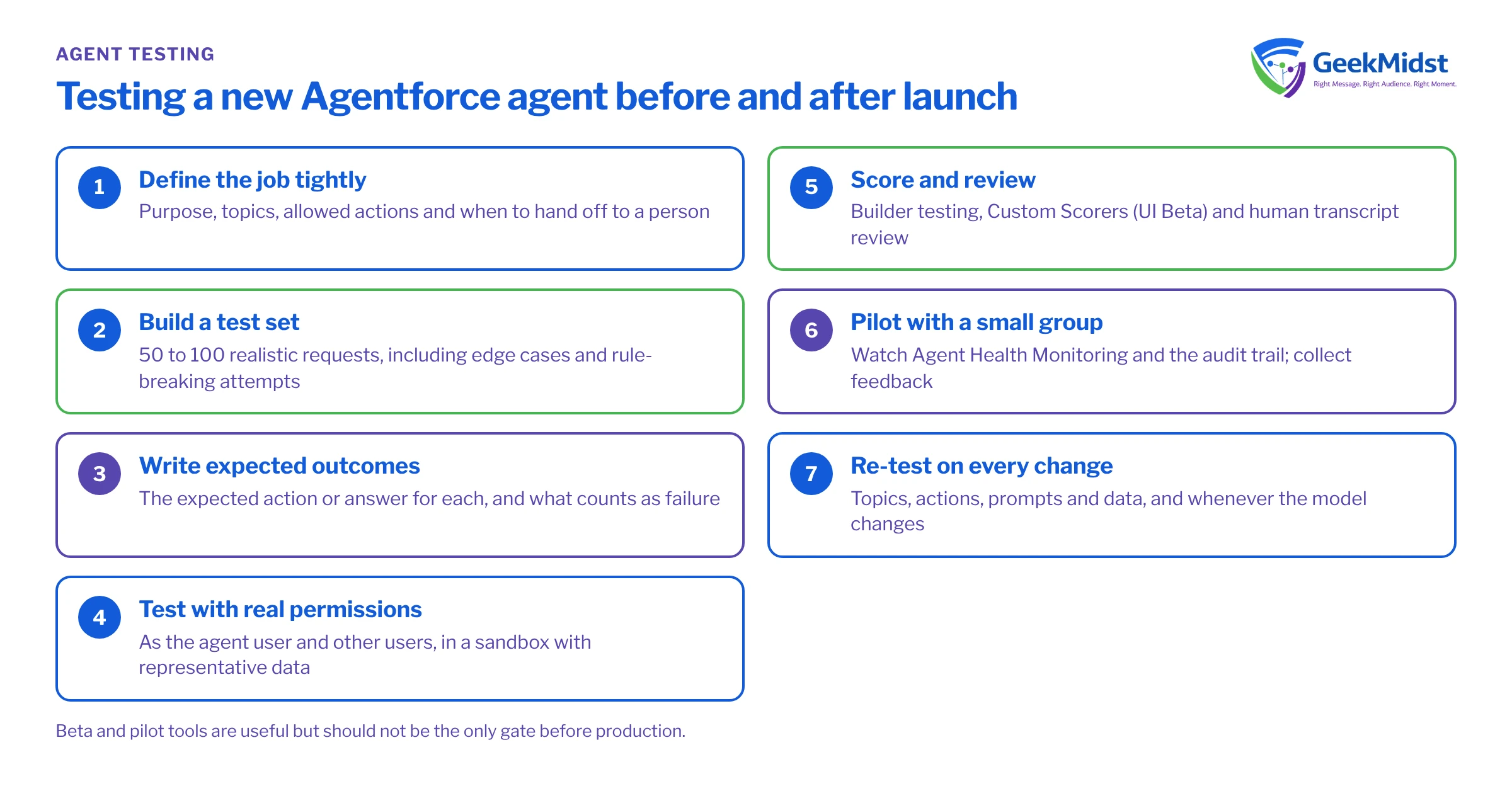
Testing a new Agentforce agent
- 01
Define the job tightly
Write down the agent's purpose, the topics it may handle, the actions it may take and when it must hand off to a person.
- 02
Build a test set
Collect 50–100 realistic requests, including edge cases, off-topic questions, attempts to get around instructions, and requests for data the user should not see.
- 03
Write expected outcomes
For each request, record the expected action or answer and what would count as a failure.
- 04
Test with real permissions
Run tests as the agent user, and as users with different access, in a sandbox with representative data.
- 05
Score and review
Use Builder testing and Custom Scorers where available, and have a person review a sample of transcripts.
- 06
Pilot with a small group
Release to a limited audience, watch Agent Health Monitoring and the audit trail, and collect feedback.
- 07
Re-test on every change
Re-run the set when you edit topics, actions, prompts or data, and when the model changes.
Common mistakes
- Over-broad access. Giving an agent an admin-like user makes every prompt a potential data leak. Start narrow.
- Testing only the happy path. Most issues show up in ambiguous or adversarial requests.
- No owner after launch. Agents drift as data and processes change. Assign an owner who reviews transcripts and metrics regularly.
- Weak data. Agents grounded in duplicate or stale records give poor answers. Fix data quality before launch. Our data quality checks article is a good starting point.
Questions we hear
Do we have to rebuild our existing agents in the new builder?
Is the Trust Layer enough on its own?
Can we rely on beta testing tools?
Who should own agent testing?
Related reading
Agentforce and AI automation
Our Agentforce services
→Responsible AI
How we approach AI work
→Dreamforce 2026: what is available now
Agent features by status
→Salesforce testing and QA
Test planning and execution
→For product context, see our Agentforce guide and our Data 360 guide, since most agents are grounded in Data 360.
Sources
Planning an Agentforce launch?
We can help you define the agent's scope, build a test set and set up the permissions and monitoring it needs.


