

Salesforce Governance for Growing Teams
When one admin becomes a team of five, informal decisions stop working. Here is a lightweight governance model that adds control without adding bureaucracy.

Salesforce orgs rarely fail because of one bad decision. They fail because many reasonable decisions were made by different people who did not know about each other: a second lead status picklist, two Flows updating the same field, a marketing team adding sync fields nobody documented. With one admin, governance lives in that person's head. With a growing team, an agency or two and business users with System Administrator rights, it has to live somewhere else.
Governance is often heard as committees and sign-off forms. For most growing teams it should be much lighter: clear decision rights, a small number of standards, a controlled path to production and someone who owns each important piece of data.
The four things governance must cover
- Decision rights. Who can approve a new object, a new integration, a change to the sharing model or a new managed package.
- Standards. Naming conventions, where automation lives, how fields are documented, how tests are written.
- Release control. How a change moves from idea to production, and who can stop it.
- Data ownership. Who is accountable for the quality and definition of key objects and fields.
If you have those four, you have governance. Everything else is detail.
Roles worth naming, even if one person holds several
Platform owner
Accountable for the org as a product: roadmap, budget, priorities and the final call when teams disagree.
Design authority
Reviews changes that affect the data model, sharing, integrations or automation patterns. Can be one architect or a short weekly review.
→Release manager
Owns the release calendar, environments and deployment path, and checks that release criteria are met.
→Data owners
Business people who define what key fields mean and who can change them, for example Account, Lead status or consent fields.
Marketing platform lead
Represents Marketing Cloud or Account Engagement in design reviews, because sync fields and consent touch the CRM.
A simple decision-rights matrix
| Decides | Consulted | Where it is decided | |
|---|---|---|---|
| New custom object or major field change | Design authority | Data owner, affected teams | Design review |
| New integration or connected app | Design authority | Security, platform owner | Design review |
| Sharing model or profile changes | Platform owner | Design authority, security | Design review |
| New automation on an existing object | Lead developer | Design authority if it overlaps existing automation | Backlog refinement |
| Picklist value or page layout change | Admin | Data owner | Backlog refinement |
| Release go or no-go | Release manager | Platform owner, testers | Release review |
| New managed package | Platform owner | Design authority, security | Design review |
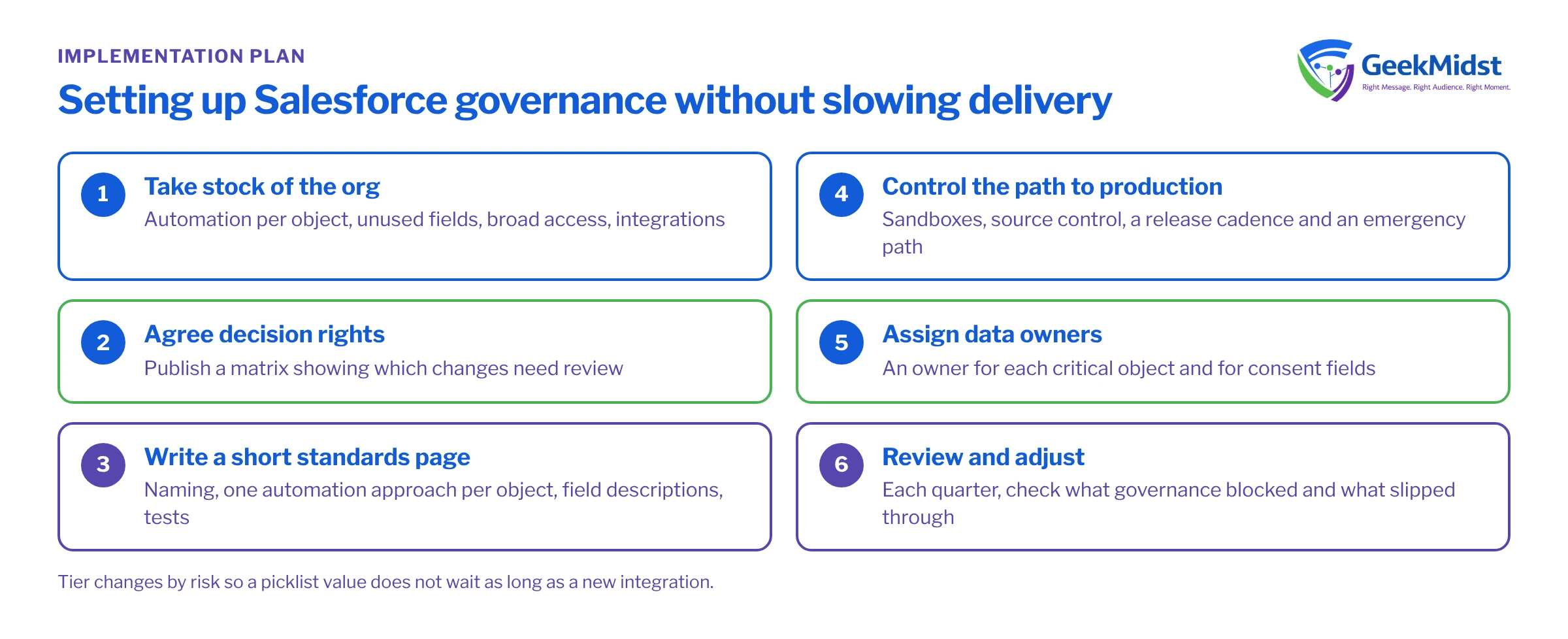
Setting up governance without slowing delivery
- 01
Take stock of the org
Run a health check to see what already exists: automation per object, unused fields, profiles with broad access, active integrations. You cannot govern what you have not inventoried.
- 02
Agree decision rights
Use a matrix like the one above and publish it. The aim is that anyone can tell which changes need review and which do not.
- 03
Write a short standards page
Naming conventions, one automation approach per object, field descriptions required, test expectations. One page that people read beats a long document that nobody does.
- 04
Control the path to production
Remove direct production changes for routine work, use sandboxes and source control, and agree a release cadence. Keep an emergency path with after-the-fact review.
- 05
Assign data owners
Name an owner for each critical object and for consent fields. Owners approve definition changes and look at quality reports.
- 06
Review and adjust
Look at what governance blocked and what slipped through each quarter, and change the rules. Governance that never changes becomes theatre.
Signs governance is failing
- Automation collisions. Records changing for reasons nobody can explain, or Flows and triggers fighting over the same field. Check how many automations run on your busiest objects; more than one record-triggered approach per object and timing is a warning sign.
- Production-only fixes. Changes made directly in production that never reach source control, so the next deployment overwrites them.
- Duplicate meanings. Two fields that both claim to be "customer status", or reports that disagree because they use different ones.
- Admin rights sprawl. More System Administrators than people who need them. Review profiles and permission sets regularly and move towards least privilege.
- Review as bottleneck. The opposite failure: the design review has a long queue and teams start working around it. That means the tiers are wrong, not that governance should be dropped.
Where marketing platforms fit
Marketing teams are often left out of CRM governance, yet Marketing Cloud Connect and the Account Engagement connector read and write CRM data. A new field on Contact can affect a sync, and a changed consent field can stop a journey sending. Give the marketing platform lead a seat in design review, and treat sync field changes as integration changes. Our guide to CRM and marketing data synchronisation covers the technical side.
Governance checklist
- A named platform owner with authority to decide.
- A published decision-rights matrix with risk tiers.
- A one-page standards document.
- Sandboxes, source control and a release calendar, with an emergency path.
- Named data owners for critical objects and consent.
- Marketing platforms represented in design review.
- A regular review of what the process blocked and missed.
Related reading
Questions we hear
Do we need a full-time architect to have a design authority?
Should business users ever have admin rights?
How do we handle urgent production fixes?
When should we bring in outside help?
Bringing order to a growing org?
GeekMidst can assess how your org is changed today, propose decision rights and standards that fit your team's size, and help set up a controlled release path.


