

When to Use Business Units in Account Engagement
Business units separate prospect databases inside one Salesforce org. That separation solves real problems and creates new ones, so decide deliberately.

A group with several brands or regions buys Account Engagement and immediately asks: one business unit or several? The answer shapes your data, your consent model, your reporting and your admin effort for years. Splitting later is painful, and so is merging. This guide sets out what business units actually separate, when that separation is worth it, and what to plan before you create them.
What a business unit is
A business unit (BU) is a separate Account Engagement database connected to the same Salesforce org. Each BU has its own prospects, assets (emails, forms, landing pages, Engagement Studio programs), automation, settings, tracker domains and connector configuration. Users can be given access to one or more BUs and switch between them.
Which Salesforce leads and contacts sync into which BU is controlled by marketing data sharing rules, usually based on a field such as business unit, region or brand on the lead and contact. One Salesforce record can sync to more than one BU if the rules allow it, in which case it exists as a separate prospect in each.
Availability and the number of BUs you can have depend on your edition and contract. Check the current position for your org in Salesforce Help or with your account team.
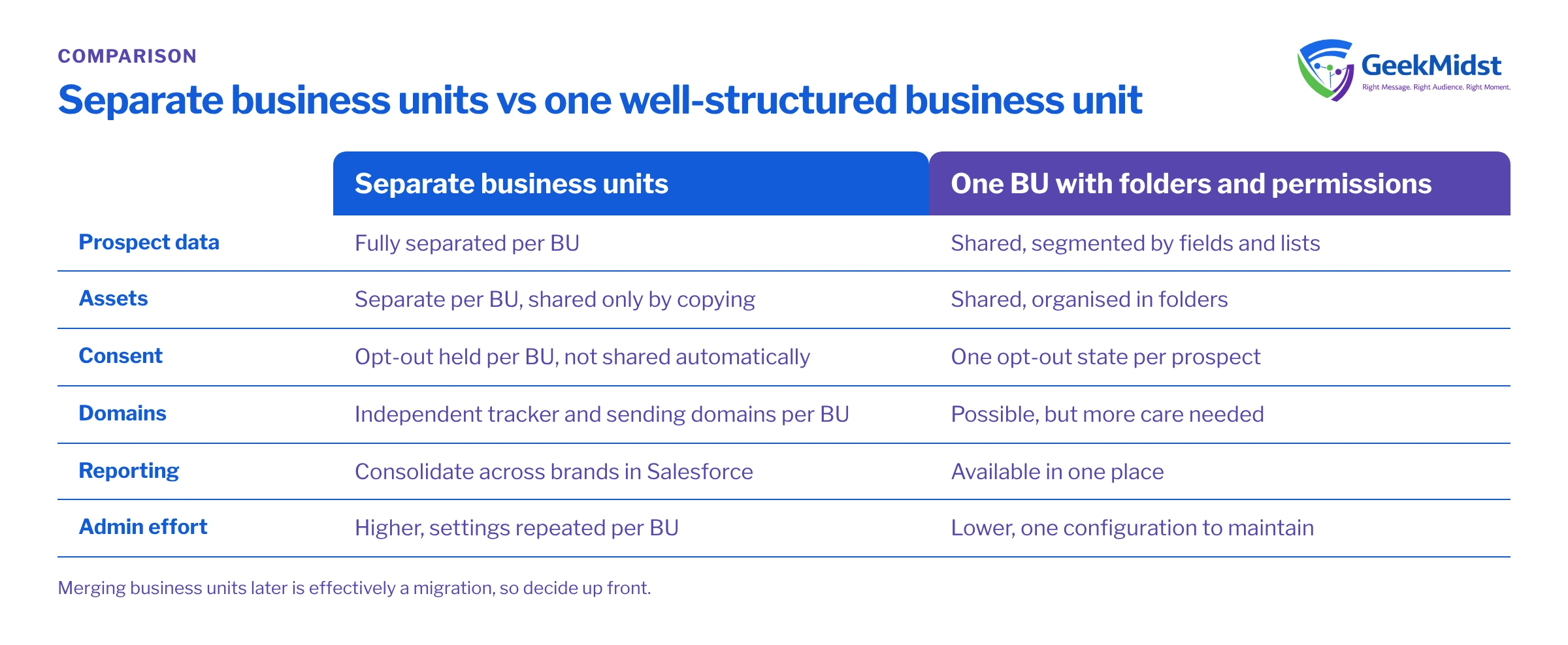
Business units versus a single BU with good structure
| Separate business units | One BU with folders, tags and permissions | |
|---|---|---|
| Prospect data | Fully separated per BU | Shared, segmented by fields and lists |
| Assets and templates | Separate per BU, shared only by copying | Shared, organised in folders |
| Consent and opt-out | Held per BU | One opt-out state per prospect |
| Branding and domains | Independent tracker and sending domains per BU | Possible, but more care needed |
| Reporting across brands | Needs consolidation in Salesforce or analytics | Available in one place |
| Admin effort | Higher, settings repeated per BU | Lower, one configuration to maintain |
When separate business units make sense
- Genuinely separate audiences. Brands or divisions that market to different people, with different teams, content and sending identities.
- Regional legal or contractual separation. Where data for one region must be managed separately, or a contract requires separation between divisions. This is a decision for your legal and privacy teams, but BUs can support it.
- Independent marketing teams. Teams that do not share templates, scoring models or nurture strategy and need to work without affecting each other.
- Different sending reputations. Where one brand's volume or audience should not affect another's deliverability.
When one BU is usually enough
- The same people may hear from several product lines, and you want one view of their engagement.
- One central team runs marketing, perhaps with regional contributors.
- You mainly need to stop people editing each other's assets, which folder structure and user roles can address.
- Separate scoring by product is the main driver; scoring categories can often cover that without splitting the database.
Consent and preference implications
Decide early whether consent is per brand or per organisation. If it is per organisation, store the authoritative opt-out on the Salesforce record and design how each BU reads it. Regulations such as GDPR or India's DPDP Act may influence this choice; take advice from your privacy team rather than treating the BU design as a compliance answer. Our consent synchronisation blueprint shows one way to structure this.
Database counts and duplicates
Because a Salesforce record can become a prospect in more than one BU, the same person may count towards each BU's mailable database. Model this when estimating capacity, and design data sharing rules so records only reach the BUs that genuinely need them.
Reporting across business units
Each BU reports on its own data. For a group view, rely on Salesforce campaigns and opportunities, which sit above the BUs, and use connected campaigns consistently in every BU. Agree a shared campaign naming and hierarchy so cross-brand reports make sense.
Planning business units before you create them
- 01
Write the separation rationale
State in one paragraph why the data must be separated. If the reason is mainly asset permissions, revisit whether one BU will do.
- 02
Choose the data sharing field
Pick a reliable, mandatory Salesforce field that decides BU membership, and decide who maintains it on leads and contacts.
- 03
Design consent across BUs
Decide whether opt-outs are per brand or organisation-wide, and how status flows between Salesforce and each BU.
- 04
Standardise what should be shared
Agree campaign naming, field mappings, scoring approach and template standards so BUs stay comparable.
- 05
Plan users and admin ownership
Decide who administers each BU, which users need access to several, and how configuration changes are reviewed.
- 06
Pilot with one BU
Configure and test one BU fully, including connector, domains and sharing rules, before replicating to the others.
Questions we hear
Can I share email templates between business units?
Can I move prospects from one BU to another?
Do business units need separate Salesforce orgs?
Is it hard to merge business units later?
Related reading
If you are weighing Account Engagement against other platforms for a multi-brand setup, see Account Engagement vs Marketing Cloud Next for B2B. For governance more broadly, read Salesforce programme governance for growing teams.
Deciding on your business unit structure?
We can work through your brands, regions, consent model and reporting needs and recommend a structure you will not need to unpick later.


