

Connected Apps and OAuth: What to Do Now
Salesforce is restricting older OAuth flows and ending connected apps support. Here are the documented dates and a migration plan.

Some of the Winter '27 changes with the most impact are not features. They are retirements and enforcements in identity and API access, and each one has a date. If you run integrations with Salesforce, such as middleware, a data warehouse sync, a mobile app, or scripts that log in with a username and password, some of them will stop working unless you act. This article lists only the dates Salesforce has documented, then sets out a practical migration plan.
Documented dates
| Date | Change |
|---|---|
| 28 October 2026 | Salesforce CLI no longer prints secrets; the SF_TEMP_SHOW_SECRETS workaround ends |
| 4 November 2026 | Refresh tokens expire after 30 days of inactivity (production) |
| 30 November 2026 | OAuth device flow restricted |
| 1 December 2026 | SOAP login() requires the Use Any API permission |
| 1 December 2026 | Maintain Email Verification Exception release update enforced |
| 20 February 2027 | Username-password, user-agent and hybrid user-agent OAuth flows retire |
| Spring '27 | Salesforce to Salesforce retires; View Setup Audit Trail permission enforced |
| Summer '27 | Connected apps support ends: migrate to External Client Apps |
| Summer '27 | SOAP login on API versions 31.0–64.0 retires; API versions 31.0–40.0 deprecated |
| Summer '28 | API versions 31.0–40.0 retired |
Where Salesforce has named a release rather than a date, as with Summer '27, we have not invented one. Release windows vary by instance, so plan to finish well before the release begins.
What each change means
Refresh-token inactivity expiry (4 November 2026). An integration that runs rarely, such as a quarterly export, may find its refresh token has expired. It will then need a user to authorise it again. Find integrations that run less often than every 30 days.
Device flow restriction (30 November 2026). Device flow is typically used by command-line tools and devices with limited input. Check whether any internal tools rely on it.
Username-password, user-agent and hybrid user-agent flows (20 February 2027). These flows are common in older scripts and in some packaged integrations. Each one needs to move to a supported flow. Server-to-server integrations often use the JWT bearer or client credentials flow, and interactive apps use the web server (authorisation code) flow. Confirm in Salesforce Help which flow suits each case.
SOAP login() changes. From 1 December 2026, integration users calling SOAP login() need the "Use Any API" permission. SOAP login on API 31.0–64.0 then retires in Summer '27. Older middleware connectors that use SOAP login are the usual risk.
Connected apps support ends (Summer '27). Salesforce's direction is to move to External Client Apps. Treat this as a project: every connected app needs an owner, a replacement and a test.
Old API versions. Versions 31.0–40.0 are deprecated in Summer '27 and retired in Summer '28. Find code and connectors pinned to these versions now.
A migration plan
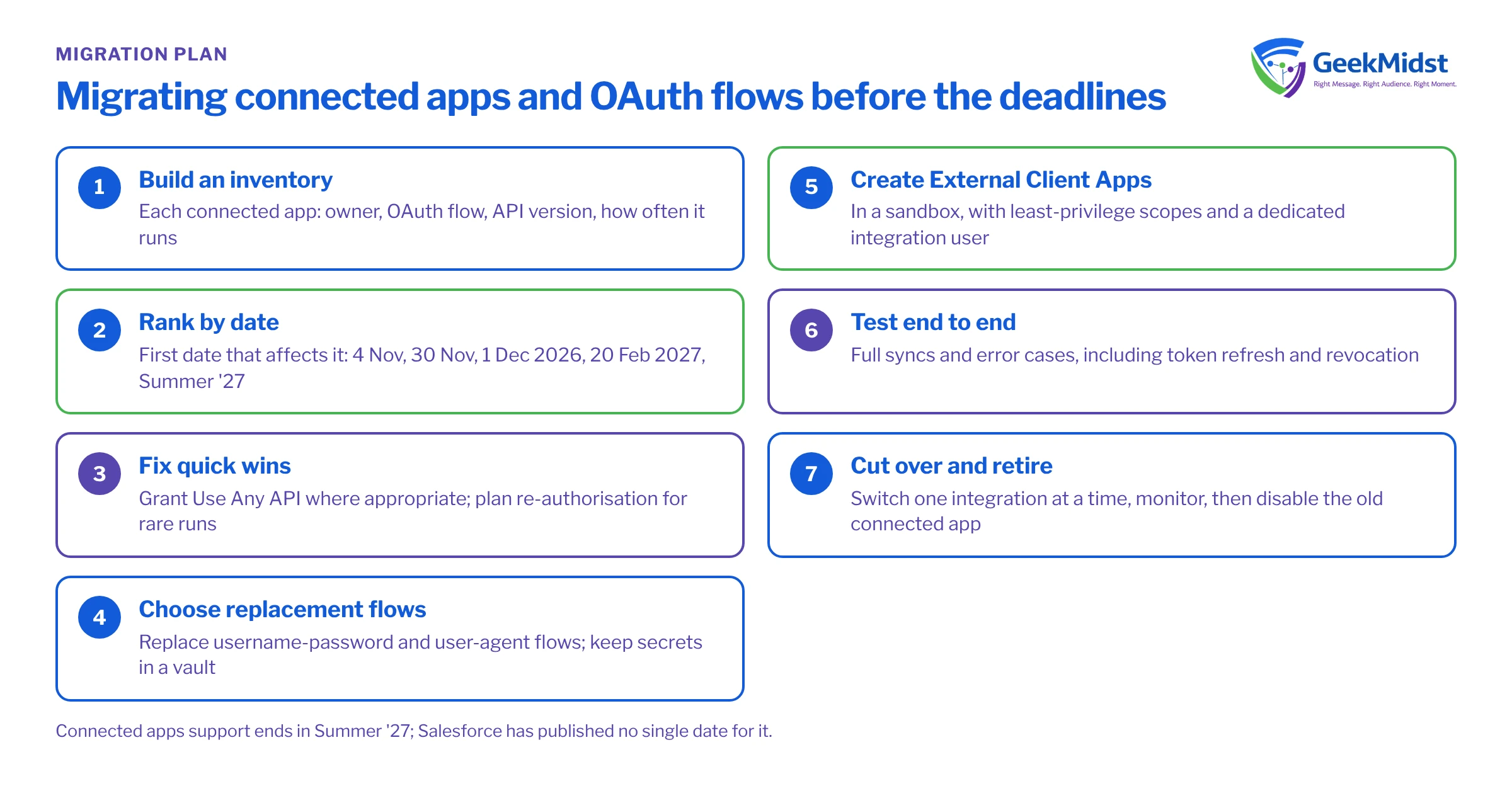
Connected app and OAuth migration plan
- 01
Build an inventory
List every connected app, the integration behind it, its owner, OAuth flow, API version and how often it runs. Login history and Event Monitoring (if you have Shield) help here.
- 02
Rank by date
Group items by the first date that affects them: 4 November, 30 November, 1 December 2026, then 20 February 2027 and Summer '27.
- 03
Fix quick wins
Grant Use Any API where it is appropriate, and schedule a keep-alive or re-authorisation plan for rarely run integrations.
- 04
Choose replacement flows
For each username-password or user-agent integration, pick a supported flow with the vendor or your developers, and use certificates or secrets held in a vault.
- 05
Create External Client Apps
Recreate each integration as an External Client App in a sandbox, following Salesforce Help, with least-privilege scopes and a dedicated integration user.
- 06
Test end to end
Run full syncs and error cases in a sandbox, including token refresh and revocation.
- 07
Cut over and retire
Switch production integrations one at a time, monitor, then disable the old connected app.
Common mistakes
- Missing third-party packages. AppExchange apps and SaaS connectors install their own connected apps. Ask each vendor for its migration plan and date.
- Shared integration users. One user for many integrations makes changes risky. Use separate users so you can migrate and revoke one at a time.
- Secrets in scripts. Moving away from username-password flows is a good time to move credentials into named and external credentials or a secrets vault.
- No error handling. A token expiry should raise an alert, not fail silently. See our integration error handling guide.
Questions we hear
Will our connected apps stop working on a specific day?
Do we need to rebuild every integration?
What if we only use Salesforce to Salesforce?
How do we find integrations using old API versions?
Related reading
Securing Salesforce API integrations
Principles for safe integrations
→Integration error handling checklist
What to check before go-live
→Winter '27 release highlights
The rest of the release
→Salesforce integration services
How we help
→For the platform context, see our Salesforce Platform guide.
Sources
Get your integrations through the OAuth changes
We can inventory your connected apps, plan replacement flows and test the cut-over to External Client Apps with you.


