

Real-Time Identity Resolution and Data Graphs
How Data 360 identity resolution, unified profiles and data graphs fit together, and how real-time identity resolution differs from the batch path.

Identity resolution decides which records belong to the same person. Data graphs package that person's data so other features can read it quickly. Real-time identity resolution does the first job fast enough to matter during a live interaction, such as a website visit or an agent conversation. In Data 360 (formerly Data Cloud), these three ideas are tightly linked, and the real-time version depends on data graphs.
This article explains how they fit together and when you need real time. For the detail of match rules and reconciliation, we link to our existing guides rather than repeat them.
Identity resolution rulesets
In Data 360, identity resolution runs from a ruleset, which has two parts:
- Match rules decide which records are the same person. They can be exact, fuzzy or normalized; Salesforce's example combines Fuzzy Name with Normalized Email or Phone. See how identity resolution match rules work.
- Reconciliation rules decide which value wins when matched records disagree: most frequent, most recent or source priority. See reconciliation rules for unified profiles.
The outputs are the Unified Individual, unified link objects (which connect the unified profile back to its source records) and unified contact points. Salesforce notes that source data isn't altered. It also notes that turning off "Run jobs automatically" can reduce cost, which matters if you don't need frequent runs.
What a unified profile is
The Unified Individual is a unified DMO, the output of identity resolution. Segments are usually built "Segment On" the Unified Individual, and calculated insights such as lifetime value can be computed at profile level. Getting the profile right is a design task, covered in designing unified individual profiles. Clean input matters even more: run data quality checks before identity resolution.
Data graphs
A data graph brings together a profile and related data in a shape that features can read at request time. Salesforce documents two in the context of Salesforce Personalization:
- A Profile Data Graph holds purchase and browse history, affinities and segment membership.
- An Item Data Graph holds the catalog.
Decisions read the profile data graph at request time. Objective-based recommenders need a Real-Time Profile Data Graph with engagement history.
The key point for this article is Salesforce's statement that real-time data graphs "are required to use other real-time capabilities": real-time identity resolution, calculated insights, segments and data actions, each described as working "in milliseconds". In other words, you don't switch on real-time identity resolution in isolation. You design a real-time data graph and the real-time features run on it.
Winter '27 adds parent-child relationships for agent grounding, including zero-copy DMOs from BigQuery, Databricks and Snowflake; Salesforce gives no status for this. Our sources don't document data graph limits or configuration steps, so check Salesforce Help when you design one.
Real time vs batch
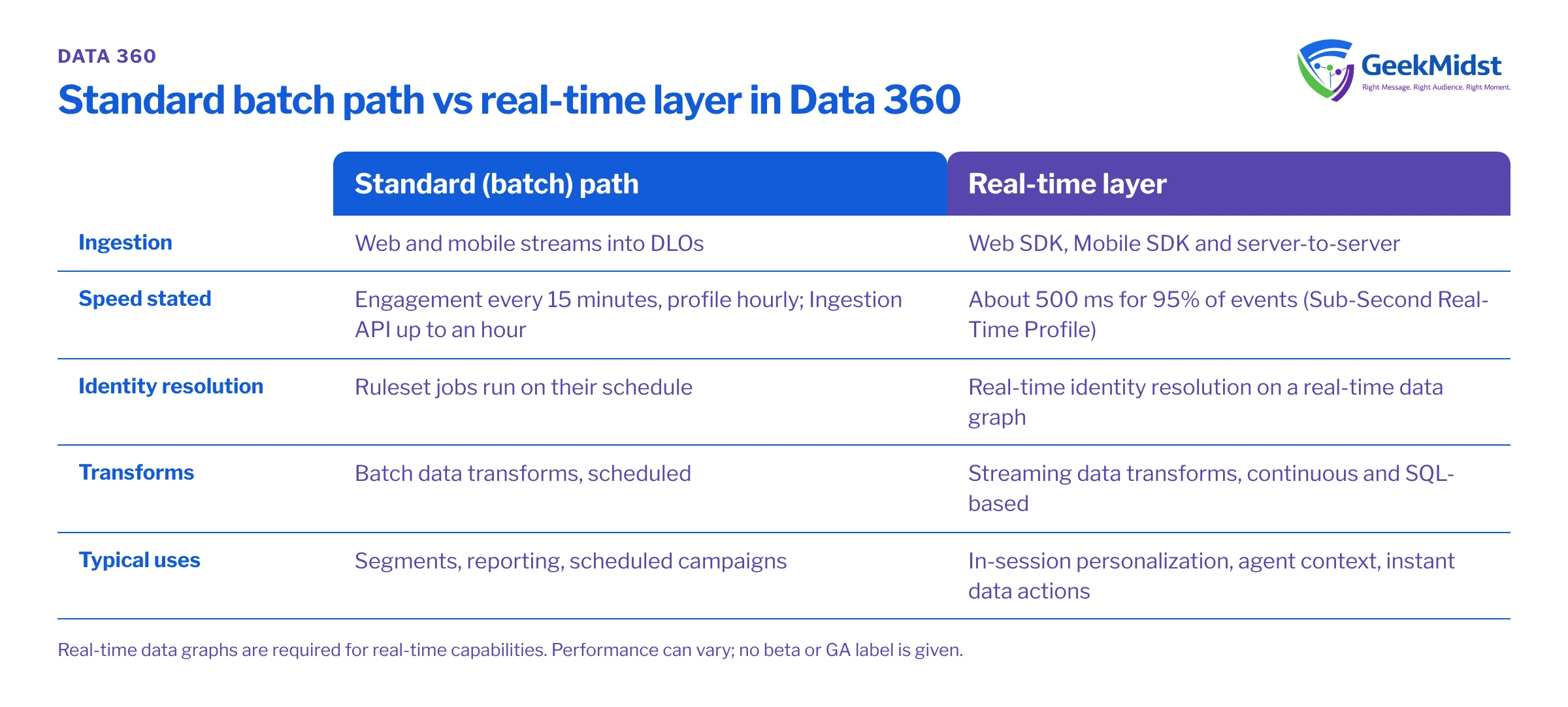
The batch path and the real-time layer
| Aspect | Standard (batch) path | Real-time layer |
|---|---|---|
| Ingestion | Web and mobile streams into DLOs: engagement every 15 minutes, profile every hour. Ingestion API data can take up to an hour to appear | Web SDK, Mobile SDK and server-to-server; about 500 ms for 95% of events under the Sub-Second Real-Time Profile |
| Identity resolution | Ruleset jobs run on their schedule | Real-time identity resolution, which needs a real-time data graph |
| Transforms | Batch data transforms, scheduled | Streaming data transforms, continuous and SQL-based |
| Typical uses | Segments, reporting, scheduled campaigns | In-session personalization, agent context, instant data actions |
Salesforce says real-time performance "can vary", and the page with the 500 ms figure gives no beta or GA label. Treat it as a design target, not a promise. Our article on batch vs streaming data transforms covers the transform side.
When you need real-time identity resolution
You need it when a decision has to reflect who someone is during the interaction:
- A visitor logs in mid-session and the next page should reflect their known history.
- An agent needs the customer's unified context as the conversation starts.
- A data action should fire the moment a high-value behaviour happens.
You probably don't need it for daily newsletters, weekly reporting or audiences refreshed on a schedule. Those work well on the standard path at lower cost.
Design tips
- Start with the use case. Name the decision that needs real time and work back to the data it reads.
- Keep the real-time graph small. Include what the decision needs, not everything you hold.
- Fix keys and data quality first. Poor emails and phone numbers produce poor matches, fast.
- Respect consent. The Salesforce Interactions SDK sends events only if a customer has consented to tracking. Check your consent design with your legal adviser.
- Plan fallbacks. When identity is unknown, the experience should still work.
Our real-time personalization blueprint shows these pieces in a working architecture, and our Data 360 identity resolution and data ingestion and modelling services cover delivery.
Questions we hear
Does identity resolution change my source records?
Can I use real-time identity resolution without a data graph?
How fast is real time in Data 360?
Do I need real time for email campaigns?
Sources
Design identity that holds up
We can review your sources, keys and use cases and design the identity rules and data graphs you actually need.


